Brochure · 4 pages · 783 KB
Clash detection brochure
We find where the pipe hits the beam, on a computer, before it is built.
Download PDF
Service
We find where the pipe hits the beam, on a computer, before it is built.
Request a quote What is included
A clash is two things trying to occupy the same space, like a pipe running through a beam. We test the whole 3D model, list every clash with a picture, and help your team fix them before anything is built.
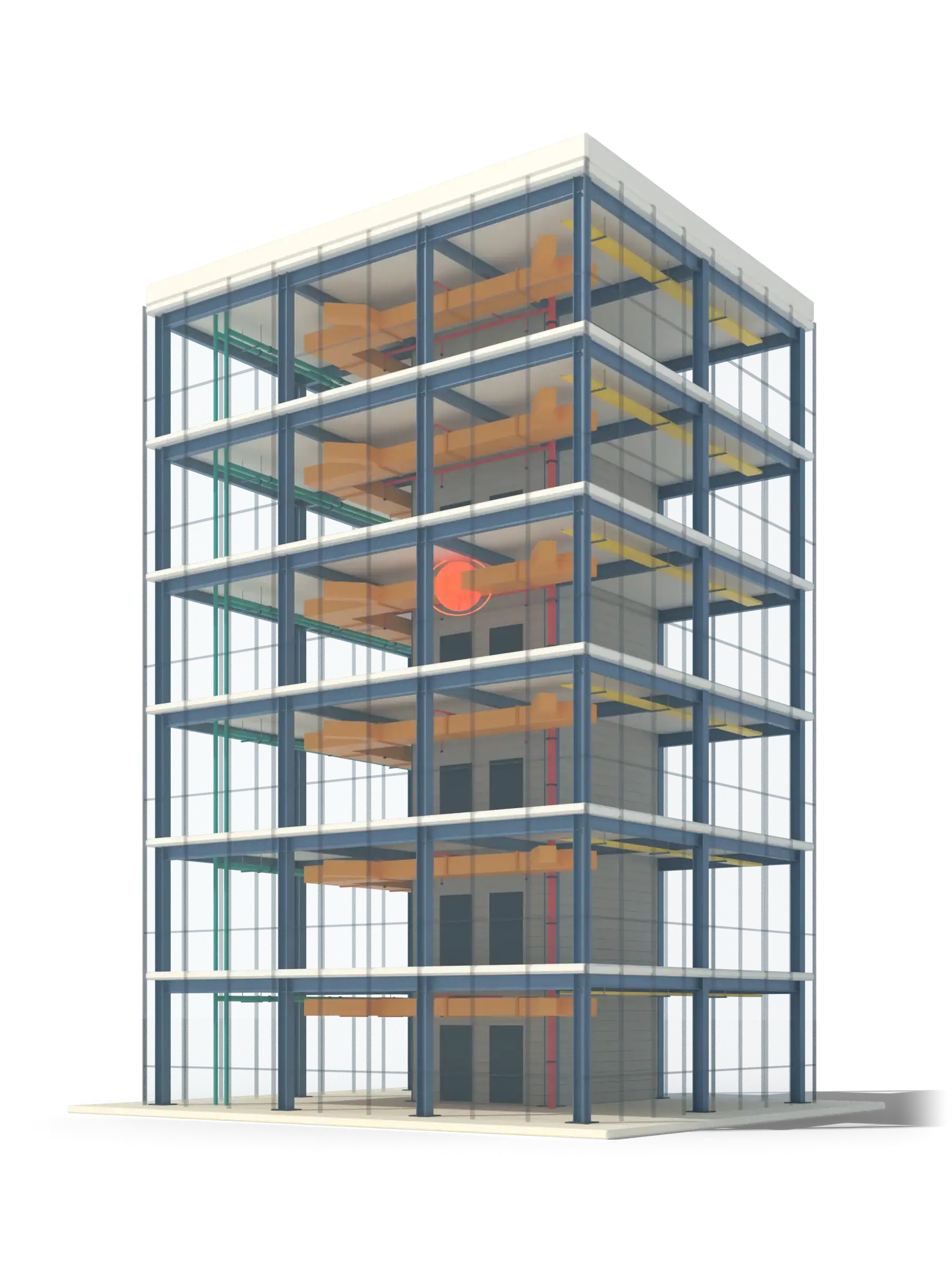 Illustrative 3D model
What it is
Clash detection is the most direct return on a BIM model. Federating the architectural, structural and services models and running automated tests turns hidden conflicts into a numbered list, each with a location, a screenshot and an owner.
We distinguish three kinds. Hard clashes are physical collisions. Soft clashes are clearance failures, such as no room to access a valve or remove a filter. Workflow clashes are sequence and scheduling conflicts. We report all three clearly, and we do not stop at detection: we propose how each can be resolved, then re-test.
What is included
Geometry-against-geometry collisions between disciplines, with sensible tolerances so the report is not flooded with noise.
Maintenance access, ceiling clearance, equipment envelopes and fire-protection clearances.
Sequence, installation order and information gaps that will cause site conflicts.
Grouped, prioritized reports with images, coordinates, element IDs and a status for each issue.
Suggested reroutes and level changes, agreed with the design team, then re-tested until the model is clean.
Most useful at LOD 300 to 350. Clash results are only as reliable as the least detailed model, so we agree LOD per trade at the start.
Autodesk Revit, Autodesk Navisworks, AutoCAD. Files delivered as RVT, RTE, IFC, DWG, PDF, NWD.
BIM coordinators and managers. General contractors. MEP contractors. Design teams checking before issue.
Liberia
Architectural, structural and MEP BIM modeling at LOD 350, with MEP clash detection for existing and new buildings.
Reference listed on Sactik’s current site. See all work
We find where the pipe hits the beam, on a computer, before it is built.
Download PDFQuestions
A hard clash is a physical collision, such as a duct through a beam. A soft clash is a clearance or access failure, such as a pipe too close to a ceiling to allow maintenance.
Autodesk Revit to author models and Navisworks to run and report the clash tests. We can also work from IFC models from other tools.
Both. We report each clash, propose a resolution, update our models where the fix is ours, and re-run the tests. Fixes that belong to another discipline go back to that team with our proposal.
Every trade's model brought together and kept in step until the drawings agree.
Learn moreAir, water and power routed in 3D, so installers get a plan that already fits.
Learn moreThe frame of the building, modeled and checked before steel is cut or concrete is poured.
Learn more Guide · 6 min readA clash is two things in the same place. Here is how they are found, what the three kinds are, and how to keep the list useful.
Read the guideStart a project
Tell us what you have and what you need. We reply with a scoped quote, and we will sign your NDA first if you ask.